 Български
Booking a ticket in the app, step by step
The booking flow in the app mirrors the website.
1. Search
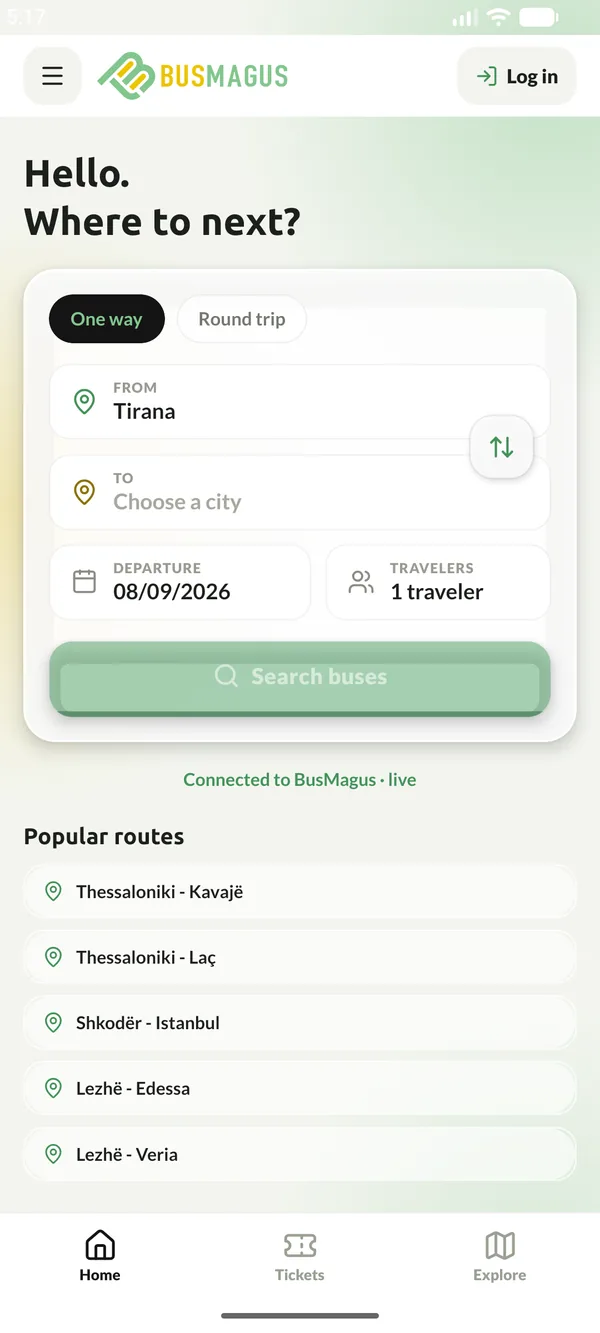
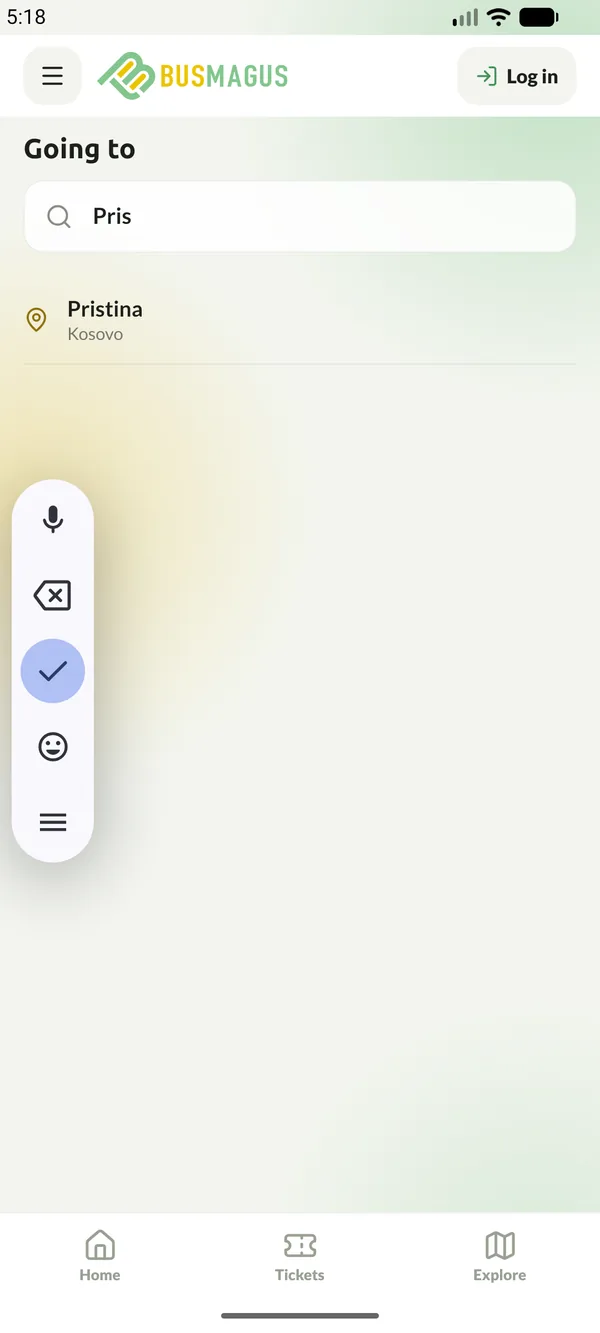
On the Home tab, choose one way or round trip, tap From and To to pick cities - start typing and choose from the list - set the departure date and the number of travellers, then tap Search buses. If you allowed location access, the departure city nearest to you is filled in for you.
2. Choose your trip
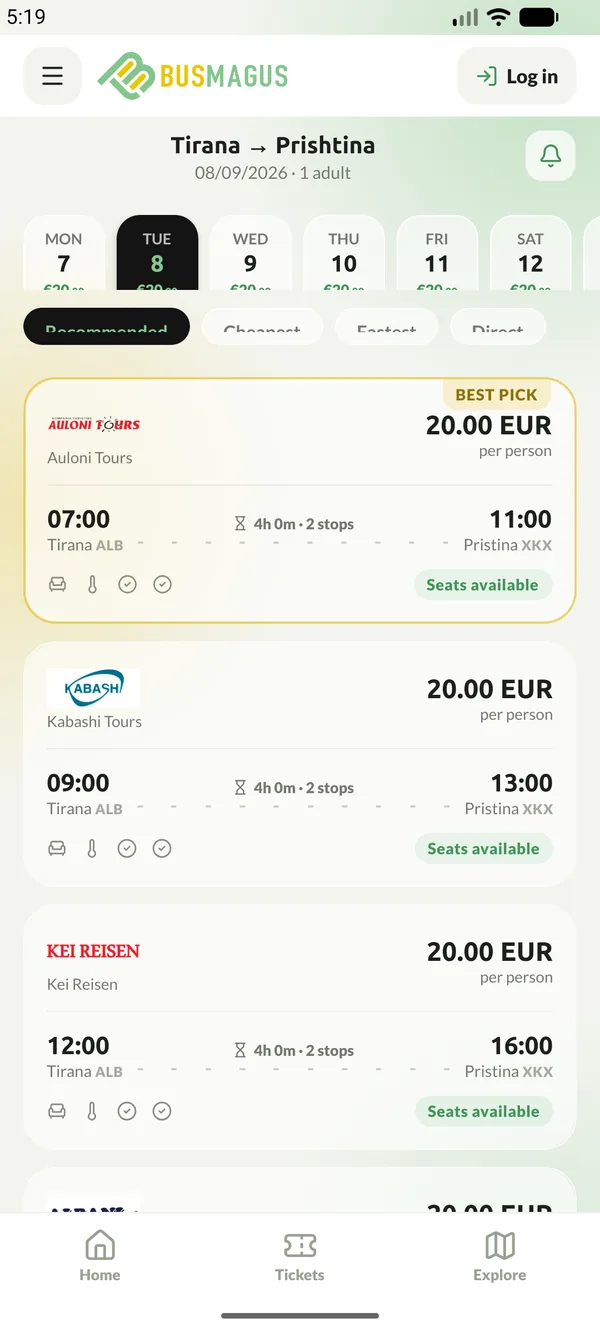
The results show each departure with its operator, times, duration and price. Swipe the date strip to compare nearby days and use Recommended, Cheapest, Fastest or Direct to reorder the list. Tap a trip to open it.
3. Trip details and seats
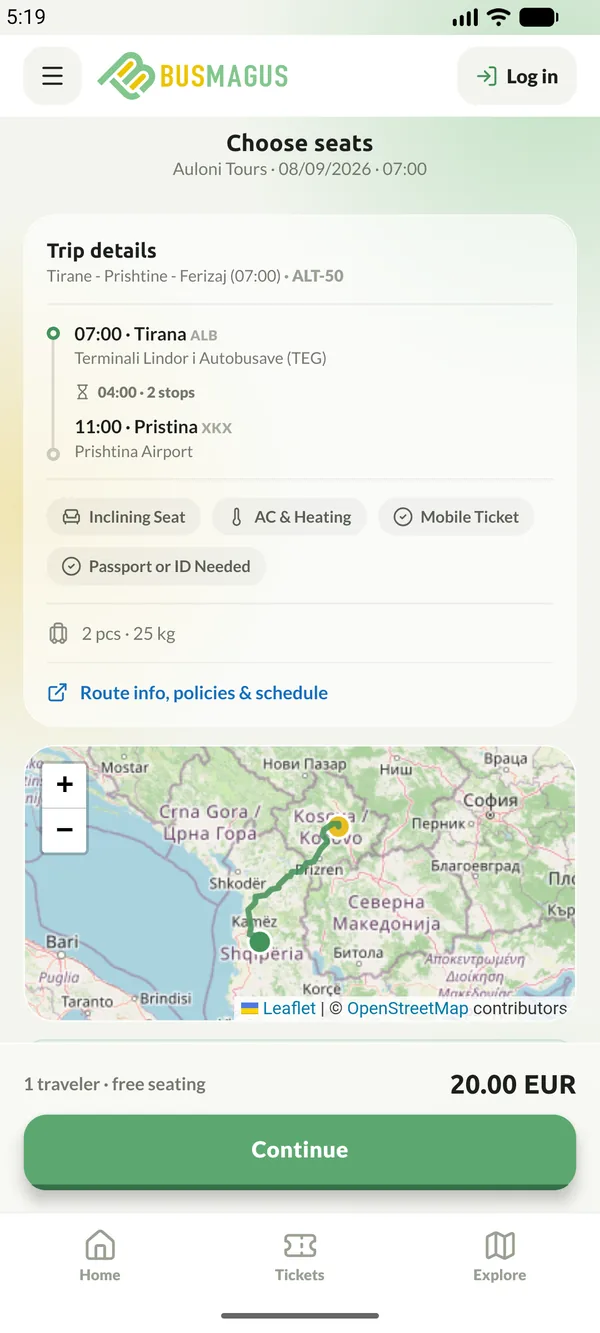
The trip screen lists every stop with its time, the amenities on board, the luggage allowance and the operator's policies. On routes with seat selection you pick seats here; on free-seating routes the screen says so. Tap Continue.
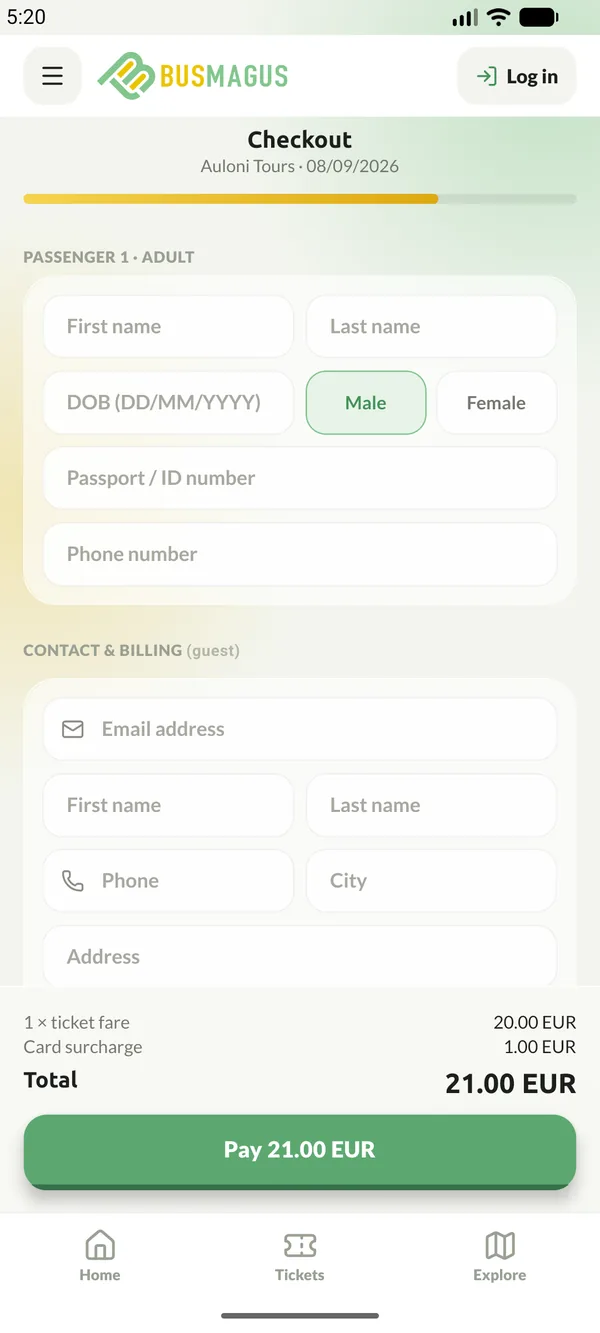
4. Checkout
Enter each passenger's details, your contact and billing information, add the Flexible Ticket if you want it, apply a coupon and accept the terms. The total at the bottom includes any card processing surcharge. Tap Pay and complete the payment securely; the ticket is confirmed instantly and appears under Tickets, and the confirmation email is sent as usual. The confirmation screen also offers to add the trip to your phone's calendar.